CYD PET Radio
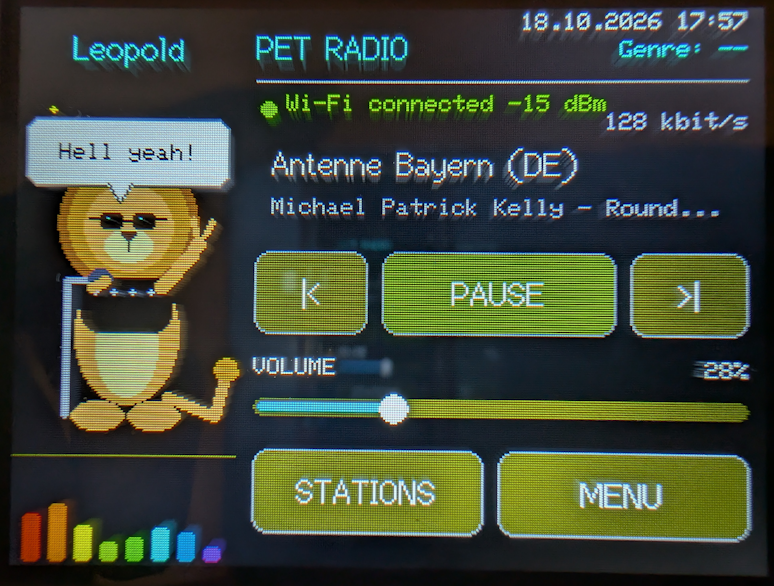
Install CYD PET Radio directly from your browser. Firmware is available for both supported boards; choose the option that matches your display:
- Use Chrome, Edge, or another desktop browser that supports Web Serial.
- Connect the board with a USB data cable.
- Select the matching board below, then choose its serial port and confirm.
Select the firmware for your exact board. The display and touch configurations differ, so the two firmware images are not interchangeable.
Supported boards
ESP32 CYD 2.8″
2.8-inch, 240 × 320 ST7789 display with resistive XPT2046 touch.
Freenove FNK0114L 3.2″
3.2-inch, 240 × 320 ST7789 display with resistive XPT2046 touch.
On a new install, the flasher may offer to erase the device. Erasing removes the Wi-Fi credentials, station list, volume, and touchscreen calibration. Write down your Wi-Fi credentials before erasing.
After installing, set up Wi-Fi and stations directly on the radio. For hardware notes and setup instructions, see the project repository.